How to Pick Reaction GIFs and Match Them With the Right Emojis
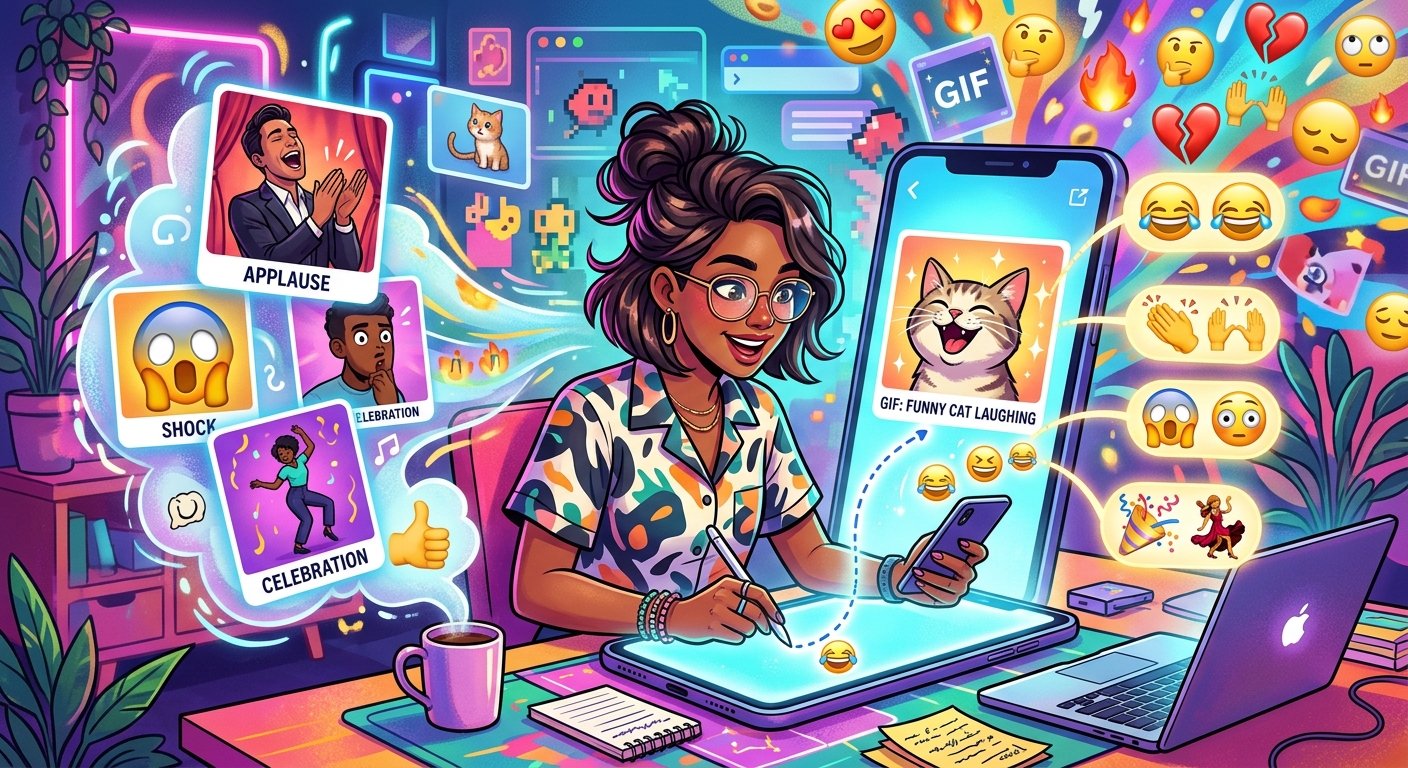
Picking the wrong GIF can kill a conversation faster than a dropped call. You know the feeling: you send what you think is a perfect reaction, and the other person responds with "??" or just goes completely quiet. The gap between a GIF that lands and one that confuses people is smaller than you think. It mostly comes down to knowing what you are looking for before you start searching.
GIF + Emoji at a Glance
Reaction GIFs work best when you read the mood of the conversation before you search. Browsing by category instead of scrolling through random results gets you to the right clip in seconds. Pairing your GIF with a well-matched emoji sharpens the message and removes ambiguity. This guide walks you through reading the room, finding the right GIF, and matching it with an emoji that echoes its tone, so every reaction lands the way you meant it to.
Reading the Room Before You Press Send
Before you open any GIF keyboard, stop for a second. What is the conversation actually doing right now? Is someone celebrating? Venting? Being sarcastic? The tone of the thread is your biggest clue. A GIF that would be hilarious in a group chat with close friends could land as cold or dismissive in a support conversation.
Context is everything. A thumbs-up GIF might feel warm and enthusiastic to one person and like a brush-off to another. Take the temperature of the exchange before you reach for that search bar.
The relationship matters too. You can push further with people you know well. With newer connections or coworkers, stay closer to obvious, safe reactions. A friendly facepalm is safer than a dramatic eye-roll, even if both technically fit the moment.
Where the Best Reaction GIFs Actually Live
Most messaging apps have a built-in GIF search powered by Giphy or Tenor. These work fine for a fast grab. But they have a real weakness: the default results are almost always the most popular GIFs for a keyword, which means everyone around you is sending the exact same clip.
If you want your reactions to feel fresh, a dedicated GIF discovery platform is the better option. You can browse by mood, situation, or vibe rather than typing a single word into a box. That opens up GIFs that actually fit the moment rather than worn-down clips recycled across millions of conversations.
Here are the types of GIF sources worth keeping in your toolkit:
- Dedicated GIF galleries organized by category, so you can browse reactions by mood without starting from a blank search field.
- Search engines with GIF filters that let you refine results by topic, character, or visual style.
- Community-curated collections where users do the tagging themselves, which often produces more specific and accurate labels than algorithm-generated ones.
- App-specific keyboards inside messaging platforms, which are convenient but tend to surface the same trending content on repeat.
- Social media GIF features on platforms like Twitter and Instagram, which surface clips tied to trending conversations in real time.
Why Browsing by Category Beats Random Scrolling
Typing one word into a GIF search and scrolling through hundreds of results is the slowest path to the right reaction. Category browsing flips that entirely. When a platform organizes GIFs by situation or emotion, you can land in the right zone in seconds.
Searching "happy" returns thousands of clips. Browsing a "celebration" category surfaces GIFs that already carry a specific emotional register: confetti, cheers, group excitement. You are not filtering from a massive pile. You are starting from a curated neighborhood that already matches your intent.
This matters even more when you are reacting in real time. Nobody wants to pause a fast-moving conversation to scroll through 400 results. A well-organized category gets you to the right GIF in a handful of clicks, which means your reaction arrives while it still feels relevant.
Matching Energy, Not Just Subject Matter
Category browsing teaches you one thing fast: GIFs are about energy, not just topic. A clapping GIF can mean genuine applause, a sarcastic slow clap, polite acknowledgment, or over-the-top excitement. The category it sits in tells you which energy the clip is designed to carry.
That is the matching skill worth building. Look for GIFs whose energy matches what you want to say. Then you can layer in extra nuance with the right emoji choice.
Layering Emoji With GIFs Inside Chat Apps
Sending a GIF alone is perfectly fine. Sending a GIF with a thoughtfully matched emoji turns a reaction into a small, complete message. The emoji works like a caption. It tells the recipient exactly how to read the GIF without spelling anything out in words.
Most messaging apps let you drop an emoji alongside a GIF in the same message field. In others, you send them as separate bubbles close together. Either way, the pairing works the same: the GIF carries the visual punch, and the emoji pins down the mood.
A practical way to build this habit is to spend a few minutes with emoji categories before you need them. When you can see how emoji are grouped by feeling and function, matching one to a GIF's tone becomes a lot faster than hunting symbol by symbol from memory.
The pairing does not need to be complicated. A crying-laughing GIF with a face-with-tears-of-joy emoji. A celebration GIF with a party popper. A sympathetic reaction GIF with a heart. The rule is simple: the emoji should reinforce what the GIF is already doing, not fight against it.
How to Match an Emoji to Your GIF Step by Step
This process only takes a few seconds once you have done it a couple of times. Here is how it breaks down:
- Find your GIF first. Choose the clip based on the situation, not on what emoji you already have in mind. Let the GIF lead.
- Name the emotion in one word. After picking the GIF, name the feeling out loud. Excited. Sympathetic. Amused. Confused. One word is enough.
- Search that word in your emoji picker. Most platforms let you search emoji by keyword. Type your one-word emotion and see what surfaces.
- Pick an emoji that amplifies, not duplicates. If your GIF is already screaming excitement, one well-chosen face does more than five exclamation-point emoji ever could.
- Check the tone once more before you send. Read the GIF and emoji together as a pair. Does the combination feel like what you meant? If yes, send it. If something feels off, swap the emoji before you hit that button.
Common GIF and Emoji Pairings That Actually Work
Some combinations have proven themselves across millions of conversations. They work because the emoji sharpens the GIF's message without overpowering it.
A nodding GIF paired with a thumbs-up reads as clear, positive agreement. A GIF of someone shrugging pairs naturally with a person-shrugging emoji, which reinforces "I genuinely do not know" rather than leaving the tone ambiguous. A slow clap GIF with a slightly smiling face signals polite acknowledgment without full sarcasm. Pair that same slow clap with a neutral face, and it reads much more deadpan.
Mismatches happen when people grab an emoji fast without thinking about the GIF's energy. A laughing GIF with a red angry face sends a scrambled signal. A sweet, supportive GIF with a laughing emoji can come across as dismissive. The fix is always the same: let the GIF lead, then find an emoji that echoes it.
It is also worth knowing that emoji meanings shift across contexts. The body behind the global emoji standard provides official definitions for every symbol, but real-world usage often drifts far from those definitions. A symbol that signals warmth in one community can read differently in another. When in doubt, simpler emoji with widely understood meanings are the safer choice.
Developing Your Own Reaction GIF Rotation
The most effective GIF senders are not randomly scrolling every time a conversation calls for a reaction. They have a mental library, or a literal one, of go-to GIFs for the situations that come up repeatedly. You can build that library deliberately.
When you find a GIF that lands perfectly in a conversation, save it. Most platforms have a favorites feature, or you can save the file locally. Over a few weeks you will collect a small set of reliable reactions you know work for your communication style and your specific relationships.
Match those saved GIFs to your most-used emoji. Your five most-used GIFs probably map to five or six emoji. Knowing those pairings off the top of your head means you can react fast and accurately, even in a lively group chat where timing is everything.
Your Reactions Will Always Land When the GIF and Emoji Tell the Same Story
The whole point of a reaction GIF is to say something without typing it out. Adding the right emoji closes any gap in interpretation. It tells the other person exactly how to feel about what you just sent. That combination, a GIF that shows and an emoji that confirms, is the most reliable way to communicate a reaction that hits the way you intended. Once you get comfortable with category browsing and emoji matching, the process feels completely natural. You stop second-guessing your choices and start actually connecting with the people you are talking to.